Collector guide
PSA Cert Lookup Guide: How to Verify a Slab
Learn how to check a PSA cert number, read the results, and spot fake or swapped slabs with a step-by-step verification checklist before you buy.
By Matteo G.
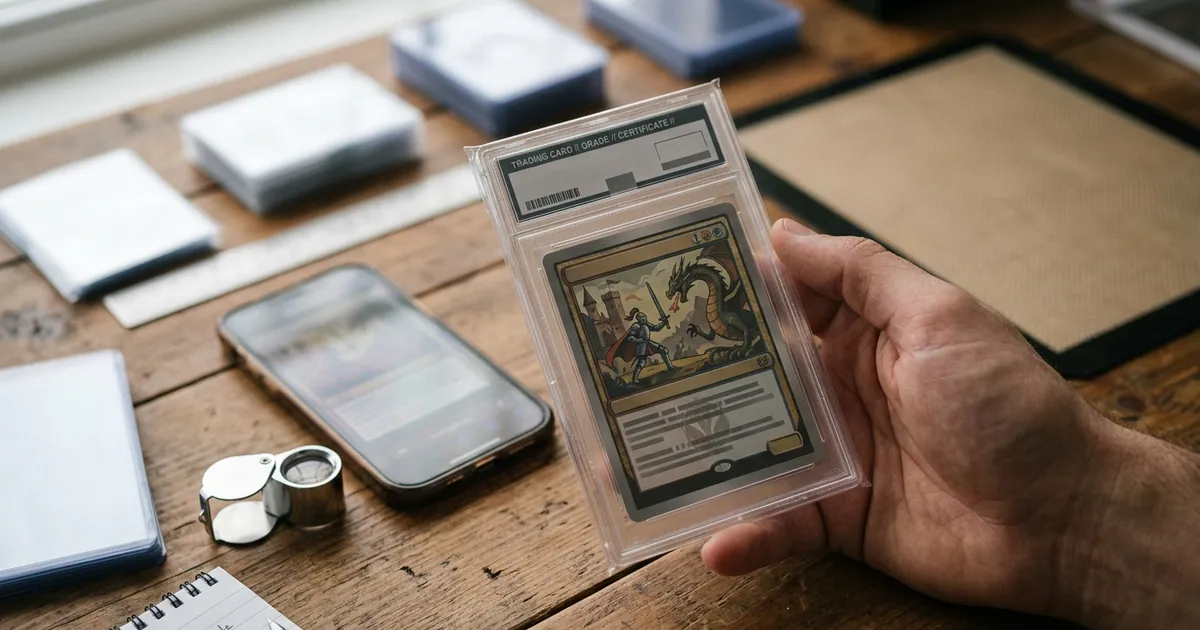
If you have a PSA slab in front of you or in a listing, you check it by typing the certification number from the front label into PSA’s free Cert Verification tool at psacard.com/cert or in the official PSA app. A valid result confirms that PSA graded a card matching that description at that grade. It does not prove that the slab in your hand is the one PSA made, so the real work is comparing the record, and any images PSA has on file, against the physical card and label.
Key takeaways
- The cert number is printed on the front label of the slab, near the barcode. Enter it at psacard.com/cert or in the PSA app. The lookup is free.
- Match every field: year, set, card number, name, variety or parallel, numeric grade, and any qualifier like OC or MC.
- Counterfeiters copy real cert numbers onto fake slabs. When PSA has images on file, compare unique traits like centering and print specks, not just the player or Pokemon name.
- A valid cert tells you nothing about eye appeal, crackout-inflated population counts, or whether the card is strong or weak for its grade. Price accordingly.
Where to find the PSA cert number
Look at the front label inside the top of the slab. The left side typically lists the year, set, and card name. The right side shows the card number, the grade in words and as a number (for example GEM MT 10, MINT 9, or NM-MT 8), and the certification number printed near a barcode.
Modern PSA cert numbers are usually 8 or 9 digits. Older slabs can have shorter numbers. Two easy mix-ups:
- Card number vs. cert number. The label also shows the card’s set number (like #4). That isn’t the cert.
- Order number vs. cert number. If you submitted the card yourself, your PSA order or submission number appears on your paperwork and account, not as the cert on the label.
Before you type anything, take a straight-on photo of the label in diffused light. Glare on the plastic makes 3 and 8, or 1 and 7, surprisingly easy to misread.
How to run a PSA cert lookup
- Type psacard.com/cert into your browser yourself, or open the official PSA app. Don’t use a link from a listing or a DM. Lookalike verification sites exist.
- Enter the digits only, with no spaces or symbols.
- Read the result page carefully.
Depending on the item and when it was graded, the result page typically shows the item description, the grade (plus any qualifier), and links to population data for that card. Many cards graded in recent years also include front and back images captured by PSA. Older certs often have no images. PSA redesigns this page from time to time, so the exact layout may differ from what you see here.
If the cert comes back as not found: re-check the digits against your photo first. Very recently graded cards can take a short time to appear. Autographs and other items authenticated under PSA/DNA live in the same verification system but can look different on the page. If none of that explains it, treat the slab as counterfeit until PSA tells you otherwise.
What a PSA cert lookup does and doesn’t prove
| Question | Does the lookup answer it? | How to actually check |
|---|---|---|
| Did PSA issue this cert number? | Yes | A record loads for the number |
| Does the description match? | Yes | Compare every field to the label and the card |
| Is the grade on the label real? | Partly | The grade and qualifier on record must match the label exactly |
| Is this physical slab genuine? | No | Inspect the label print, the security features, and the case against a known-real slab |
| Is the card inside the one PSA graded? | Only if images exist | Match centering, print specks, and wear to PSA’s photos |
| Is the card strong for its grade? | No | Your own inspection or a pre-grade estimate |
| What is it worth? | No | Recent sold prices for the same card at the same grade |
That middle section is where most buyers get burned. A clean lookup is a starting point, not a verdict.
Step-by-step: verify a PSA slab with the card in hand
You need bright, diffused light (a window or a daylight desk lamp), a small flashlight for low-angle light, and ideally a 10x jeweler’s loupe.
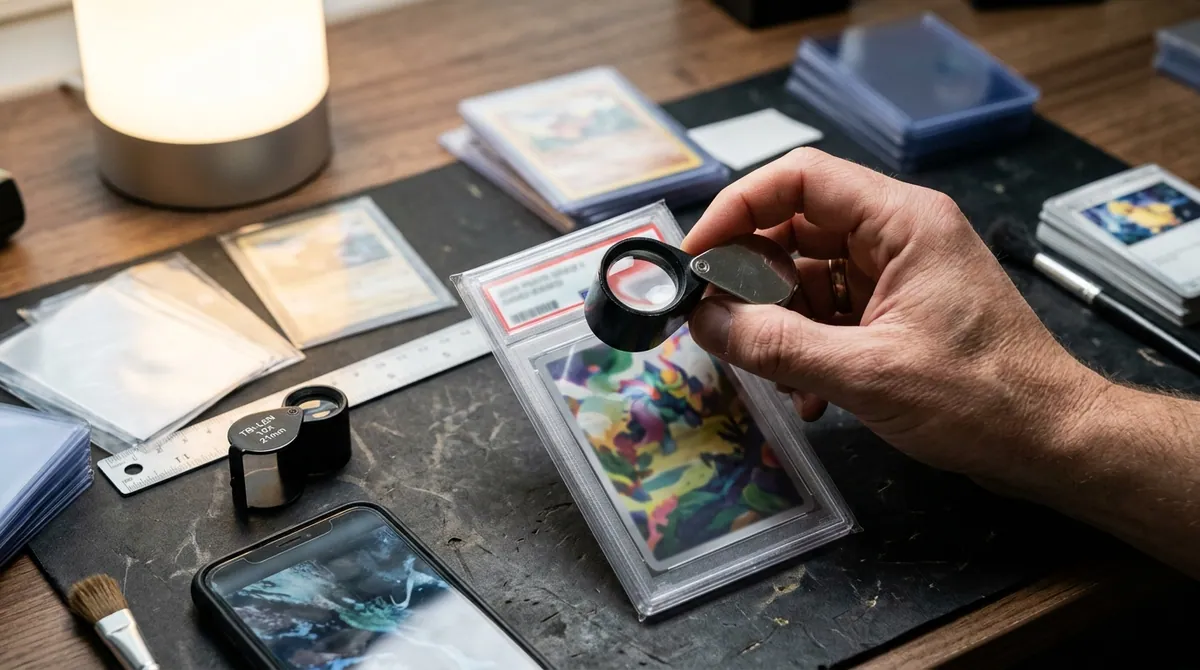
- Photograph the front and back of the slab straight-on, without glare. Work from the photo, not from memory.
- Run the cert at psacard.com/cert and keep the result open next to the slab.
- Compare the description field by field. Year, set, card number, name, and above all the variety. 1st Edition vs. Unlimited, Shadowless, holo vs. reverse holo, and named parallels or refractors are where the price differences live. Confirm the card in the slab actually shows those traits (for example, the 1st Edition stamp is present and the set symbol is correct).
- Check the grade and the qualifier. PSA qualifiers include OC (off-center), ST (staining), PD (print defect), OF (out of focus), MK (marks), and MC (miscut). A PSA 8 OC usually sells well below a plain PSA 8, so a label that drops the qualifier the record shows is a serious problem.
- If PSA has images, match at least three unique identifiers. Good ones are the exact centering offset (which border is wider, and by roughly how much), any visible print specks or dots, specific corner or edge whitening, and where the foil or holo pattern falls on the card. Two copies of the same card almost never match on all of these.
- Inspect the label under the loupe. Genuine modern labels have crisp, evenly spaced printing. Fuzzy characters, uneven spacing, text that sits crooked, or label colors that look off are warnings. The best test is a side-by-side with a slab you know is real from the same era.
- Flip the slab and check the back of the label. PSA has used holographic and other security features that changed over the years. Compare against a known-real slab of the same label generation, and check PSA’s own guidance for the current features.
- Inspect the case with low-angle light. Rake a flashlight across the seams. Look for pry or tool marks, cloudiness or residue along the edges, gaps between the two shells, or a card that sits oddly in the inner well. Light scuffing on an older case is normal. Damage along the seams is not.
- For online purchases, request extra photos from angles you choose, such as a low-angle shot of the seams or a close-up of the back label. Sellers of real slabs can do this in two minutes.
Red flags that mean walk away
- The cert record describes a different card, a different variety, or a different grade than the label.
- The cert has no images, the card is expensive, and the seller won’t provide clear, specific photos.
- The seller sends you a screenshot of the cert page instead of letting you look it up yourself. Screenshots are easy to edit.
- A verification link in the listing points anywhere other than psacard.com.
- The price sits well below recent sold prices for the same card and grade, with a story attached (estate sale, needs cash fast).
- Label fonts, spacing, or colors don’t match a known-real slab from the same era.
- There are visible signs of tampering along the case seams.
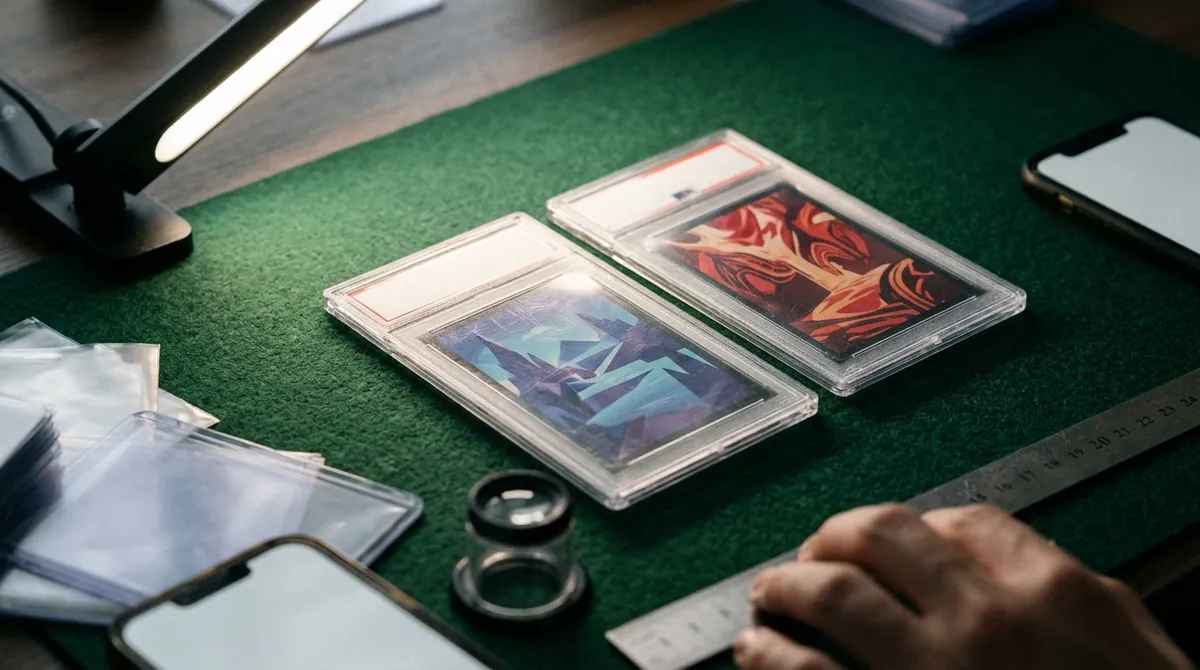
Fake slabs often hold fake cards, so it’s worth knowing the card-level tells too. Our guide on how to spot fake Pokemon cards covers print patterns, card stock, and the light test.
When a valid cert still isn’t a good buy
Even a 100% genuine slab can be the wrong purchase.
Population counts can be inflated. Collectors sometimes crack cards out of their slabs and resubmit them, hoping for a higher grade. If the old label isn’t returned to PSA for removal, that cert can stay in the population report. For valuable, frequently resubmitted cards, treat the pop count as an upper limit, not an exact number of slabs in existence.
Same grade, different card. Two PSA 9s can look very different. One might be nearly perfectly centered, and the other might be pushed toward the grade’s limits. If the cert has images, use them to judge eye appeal and pay more only for the strong copy. Our card centering guide explains how to estimate border ratios from a photo.
Trimming and alterations are a separate question. A slab can be real while the card in a counterfeit holder is trimmed. If anything about the card’s edges looks too sharp or too uniform, read how to tell if a card is trimmed.
Don’t crack a slab just because the pop report shows higher grades. Cracking a slab destroys a guaranteed grade, means paying fees again, and adds the risk of handling damage. It only makes sense when you’re confident the card is clearly undergraded and the price gap between grades covers the fees and the risk. If you’d rather keep the cert history, PSA offers reholder services for damaged cases that generally keep the existing cert. Confirm the current terms on PSA’s site before you send anything.
Checking certs from other grading companies
Every major grader runs a free lookup on its official site, and the same rules apply: type the address yourself, match every field, and compare images when they exist.
- Beckett (BGS/BVG): Lookups on Beckett’s site can show subgrades for slabs that carry them, which helps when you’re comparing two BGS 9.5s.
- CGC Cards: Verification on CGC’s site shows the card details and grade.
- SGC: Lookup is available on SGC’s official site.
- TAG: TAG publishes more detailed digital grading reports tied to each slab.
Features and URLs change, so confirm the current verification page on each company’s official site.
Where Card Grading AI fits
A cert lookup checks a database record. It doesn’t tell you how good the card actually looks. That’s the gap we built Card Grading AI to help with. You photograph a card, and the app gives an AI pre-grade estimate covering centering, corners, edges, and surface. That’s useful for screening raw cards before you pay grading fees, or for checking whether a slabbed card’s eye appeal matches what you’re being asked to pay.
Be clear on its limits. Card Grading AI provides estimates, not official grades, and it does not authenticate slabs or verify cert numbers. For a PSA slab, use PSA’s Cert Verification and the physical checks above. For everything else, see how it works and our FAQ, then try a pre-grade on the next raw card you’re thinking of submitting.
FAQ
Is PSA cert lookup free?
Yes. You can enter any cert number on PSA's Cert Verification page at psacard.com/cert or in the official PSA app without paying, and as of this writing you don't need an account. Always type the address yourself instead of clicking a link a seller sends you.
Can a fake PSA slab have a real cert number?
Yes, and it's the most common trick. Counterfeiters copy cert numbers from real slabs so the lookup comes back valid. That's why you need to compare the card itself against PSA's images (when they exist) and inspect the label and case, not just confirm that the number exists.
Why does my PSA cert number say not found?
The usual causes are a mistyped digit, a cert that is very new and hasn't fully posted yet, or a counterfeit label. Re-read the number from a sharp photo first. If it still doesn't show up and the slab didn't come straight from PSA to you, treat it as suspect and contact PSA before you pay or sell.
Does a PSA cert lookup show if a card was cracked out or regraded?
Not reliably. The lookup shows PSA's record for that cert number, and a record can stay in the database even after the card has been removed from the slab. That's also why population counts on valuable cards can run higher than the number of slabs that actually exist.
Can Card Grading AI verify whether a PSA slab is real?
No. Card Grading AI gives AI-based pre-grade estimates of a card's condition from photos. It doesn't authenticate slabs, check cert databases, or replace PSA's official grade. Use PSA's cert verification and a physical inspection to confirm a slab, and use Card Grading AI to judge condition and to pre-screen raw cards before you submit them.
Keep reading
Related guides
Ready to inspect your next card?
Scan your cards instantly with Card Grading AI
Capture a clear front-and-back photo, review an AI-assisted condition estimate, and keep standout cards organized in your collection.