Collector guide
Best Sports Card Scanner App: What to Look For
How to choose a sports card scanner app: test ID accuracy, parallels, sold-price comps, and centering estimates before you pay to grade a card.
By Matteo G.
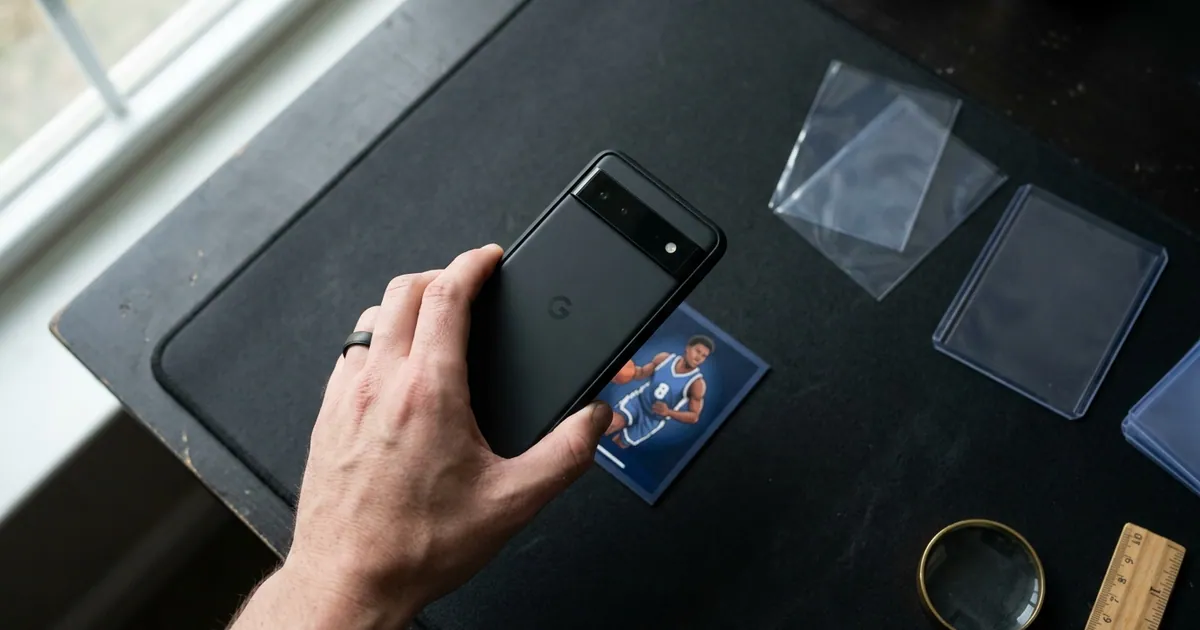
The best sports card scanner app is the one that handles the job you actually need done: identifying the exact card (parallel included), pricing it against recent sold comps, or estimating its condition before you pay a grading fee. Most apps are strong at one of those jobs and average at the others. The quickest way to choose is to run the same ten known cards through each app and score the results, and this guide shows you how.
Key takeaways
- A sports card scanner does three separate jobs: identification, pricing, and condition estimation. Judge each one on its own.
- Parallels and variations are where most scanners stumble. A base card and its refractor can look nearly identical under flat light, and a wrong match means a wrong price.
- Price data only helps if it comes from sold listings, matches raw vs. graded, and is recent.
- Condition reads from any app, Card Grading AI included, are pre-grades. They tell you whether a submission makes sense, not what grade you will get.
- Scan quality drives everything: take the card out of the sleeve, use diffuse light for identification and centering, and use low-angle light for surface.
What a sports card scanner app actually does
Scanner is a loose word. Point your phone at a card and different apps will try to answer different questions:
- What is this? Player, year, set, card number, and ideally the exact parallel or variation.
- What is it worth? Recent sales for that exact card, raw or graded.
- What condition is it in? Centering, corners, edges, and surface, and whether it is likely to grade well.
Those are very different technical problems. Identification is image matching against a database. Pricing depends on how good the sales data is. Condition analysis means measuring borders and spotting small defects, and that depends heavily on your photo. Expecting one app to be best at all three is how people end up disappointed.
| Tool type | Strongest at | Weakest at | Use it when |
|---|---|---|---|
| Identification and price apps | Fast player and set ID, quick comps | Condition; sometimes parallels | Sorting a box, checking values at a show |
| Collection trackers | Inventory, cost basis, portfolio value | Condition analysis | Managing a growing collection |
| AI pre-grading apps | Centering ratios, flagging corner, edge, and surface issues | Not official grades; can’t catch everything | Before you pay to grade |
| Flatbed scanner (hardware) | Consistent high-resolution images | No ID or pricing; chrome glare | Archiving and careful centering checks |
The criteria that separate a good scanner from a toy
Identification
Any app can recognize a flagship base card of a superstar. The real test is everything else:
- Parallels. Does it separate base from refractor, Prizm silver, color borders, and numbered versions? Does it read the serial number from the back?
- Variations and short prints. Some image variations differ only in photo or a small code on the back. A good app either catches these or tells you it isn’t sure.
- Vintage and oddballs. Pre-1980 cards with wear, regional issues, and low-print inserts expose thin databases fast.
- Honest uncertainty. An app that shows two or three candidate matches is more useful than one that confidently picks the wrong card.
Pricing
- Sold, not listed. Asking prices are wishes. You want completed sales.
- Raw vs. graded separated. A PSA 10 comp has nothing to do with your raw card.
- Recency. Sports card prices move with player performance and the season. Comps from the last 30 to 90 days beat a long-run average.
- Thin-data warnings. A numbered /25 parallel might have two sales in a year. The app should show you that rather than pretend to be precise.
If pricing is your main need, our guide on how to value sports cards with AI goes deeper.
Condition analysis
- Centering as a ratio, front and back, not just a vague good or bad.
- Specific defect flags: which corner is soft, which edge shows wear, where a scratch or print line sits.
- Clear language that it’s an estimate. If an app promises you a PSA 10, close it.
Workflow and cost
Batch scanning, export to CSV, web access for bigger sorting sessions, and pricing you understand before you scan 500 cards. Check whether core features sit behind a subscription and what the free tier really includes.
Test any scanner app with this 10-card checklist
Don’t trust reviews or app store screenshots. Grab ten cards you already know cold and run every app you’re considering through the same set.
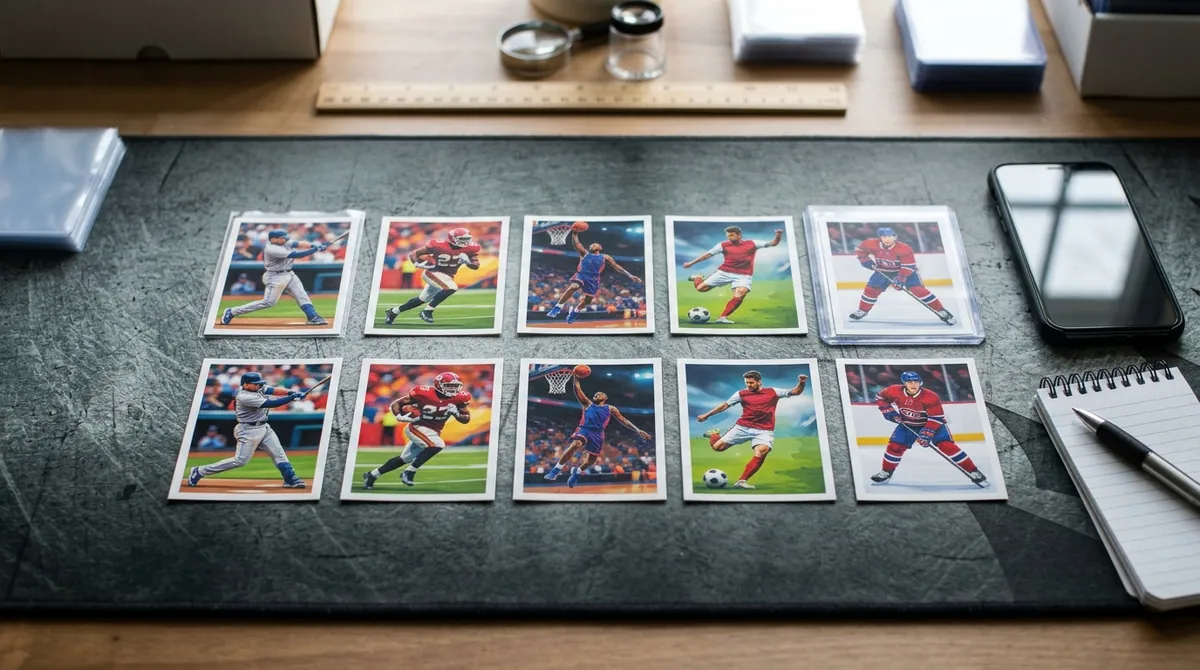
- Pull your test set:
- A modern base card from a flagship set
- A chrome or refractor parallel of a card you also own in base
- A serial-numbered card
- An autograph (on-card or sticker)
- A vintage card with visible wear
- A card you can see is off-center
- A card with a known surface flaw, such as a scratch or print line
- A rookie card
- One card scanned twice: once in a penny sleeve, once raw
- Something obscure: a low-print insert or regional issue
- Scan the front and back of each card under the same light, same background, same distance.
- Score identification. One point for the right player, year, and set. One more for the exact parallel or variation.
- Score pricing. Are the comps sold listings? Raw vs. graded matched? Recent? Does the app admit when data is thin?
- Score condition. Did it flag the flaws you already know about? Measure the off-center card yourself with a ruler or loupe and compare. A good app should land within a few points of your ratio.
- Compare the sleeved vs. raw scan. If the results change a lot, you’ve learned how much sleeves hurt that app.
- Time it. Note seconds per card. If you’re sorting thousands of cards, speed matters as much as accuracy.
- Total the scores and pick based on your main job, not the overall winner.
How to get an accurate scan of a sports card
A scanner is only as good as the image you give it. These habits improve results in every app:
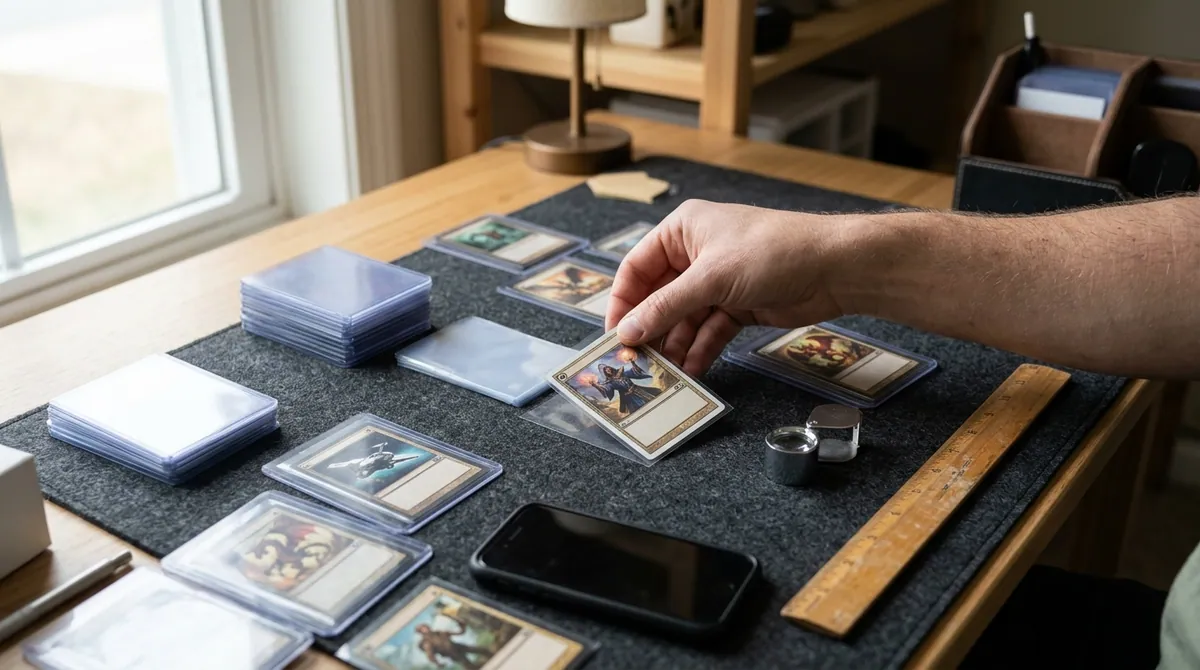
- Take the card out of the sleeve if it’s safe to handle. Sleeves and top loaders add glare and soften edges.
- Use a dark, matte background so white borders separate cleanly. Black felt or a playmat works well.
- Shoot straight down with the phone parallel to the card. Any tilt skews centering measurements.
- Avoid wide-angle distortion. Hold the phone about 8 to 12 inches away and use 2x zoom if your camera has it, rather than getting close with the main lens.
- Diffuse light for identification and centering. Indirect window light or two lamps at roughly 45 degrees on either side.
- Raking light for surface. Hold a small LED flashlight low, around 15 to 30 degrees off the table, and slowly tilt the card. Scratches, print lines, and dimples on chrome stock show up that never appear under overhead light.
- Tilt chrome slightly for identification so the refractor finish is visible, then shoot flat for centering.
- Always scan the back. Serial numbers, card codes, and back centering all live there.
If you use a flatbed, 600 dpi gives a standard 2.5 x 3.5 inch card roughly 1500 x 2100 pixels, which is plenty for centering checks. Expect chrome and refractor cards to scan dark or streaky. Our guide on how to photograph cards for grading covers lighting setups in more detail.
What grading standards say, and what a scanner can’t see
Centering is the most measurable part of condition, so it’s where scanners are most useful. PSA’s published grading standards describe centering for a Gem Mint 10 as approximately 55/45 to 60/40 or better on the front and 75/25 or better on the back. For a Mint 9, the front allowance is approximately 60/40 to 65/35, with about 90/10 on the back. Grading companies revise their standards from time to time and other companies use different tolerances, so confirm the current numbers on the official site before you submit.
To get a ratio, measure opposite borders and compare them. If the left border is 2.0 mm and the right is 3.0 mm, that’s 40/60 left to right. Check top to bottom too; the worse of the two usually matters more. Our card centering tool does this math for you from a photo.
Here is what no phone scanner can reliably catch, and you should check by hand:
- Trimming. Measure the card. Standard modern sports cards are 2.5 x 3.5 inches; a card that’s short or has unusually sharp, uneven edges deserves suspicion.
- Light surface wax, residue, or tiny indents that only show at certain angles.
- Autograph authenticity and alterations like recoloring.
- Grader judgment. Eye appeal and how defects combine still come down to a person.
When a scanner result says don’t grade
A good pre-grade often saves you money by talking you out of a submission. Skip grading, or at least wait, when:
- The math doesn’t work. If the realistic graded value minus the raw value doesn’t comfortably exceed the grading fee plus shipping and insurance both ways, keep it raw. Fees and service levels change, so check the grader’s current price list.
- The card’s value depends on a 10 and centering is clearly outside the 10 range. A modern base rookie that’s 70/30 on the front is usually worth more raw than slabbed as an 8.
- There’s a visible crease. Under published standards, creases generally push a card well down the scale. Only grade it if the card is valuable or old enough that even a low grade sells.
- It’s a personal collection card you’ll never sell. A slab protects it, but so does a good top loader.
Grading can still make sense despite flaws when you need authentication: high-dollar vintage, autographs, or anything where buyers worry about fakes and trimming. Run through our sports card grading checklist before any submission.
Where Card Grading AI fits
We built Card Grading AI for the condition side of scanning: the part that answers whether a card is worth sending in. Scan a card on web, iOS, or Android and you get a centering measurement plus flagged corner, edge, and surface issues, rolled into a pre-grade estimate. It is not an official grade and doesn’t replace PSA, BGS, SGC, CGC, TAG, or any grading company. It’s a second set of eyes that helps you sort the cards worth submitting from the ones that should stay raw.
You can also save scanned cards to your collection, so the same scan helps you track what you own. See the full list on our features page, how the analysis works on how it works, and sports-specific tips on our sports card grading page.
Run your ten-card test on Card Grading AI alongside any other scanner you’re considering, and judge it on the results. If it earns a spot in your workflow, plans are on the pricing page.
FAQ
What is the best sports card scanner app?
It depends on the job. For fast identification and quick price checks, use an app that pulls sold comps and handles parallels well. To decide whether a card is worth grading, use a pre-grading app that measures centering and flags corner, edge, and surface issues. Test each app with the same ten known cards before you commit or pay for a subscription.
Can a sports card scanner app tell me my PSA grade?
No. Any app, Card Grading AI included, gives you an estimate or pre-grade, not an official grade. Only PSA, BGS, SGC, CGC, TAG, and other grading companies issue official grades. A pre-grade helps you decide whether a submission is worth the fee.
Why does my scanner app keep identifying parallels as base cards?
Many parallels differ from the base card only by finish, border color, or a serial number on the back, and flat overhead light hides refractor shimmer. Scan the back as well as the front, tilt chrome cards slightly to show the finish, and always confirm the parallel manually before trusting the price.
Is a flatbed scanner better than a phone for scanning cards?
A flatbed at 600 dpi gives consistent, distortion-free images, which is great for archiving and checking centering. It can't identify or price cards, though, and chrome or refractor cards often scan dark or streaky. A phone app with good lighting works fine for most collectors.
Should I scan cards inside a sleeve or top loader?
Take them out if you can do it safely. Sleeves and top loaders add glare, soften edges in the image, and can hide corner wear or throw off centering measurements. If a card is too valuable to handle, scan it sleeved and treat the condition read as rougher than usual.
Keep reading
Related guides
Ready to inspect your next card?
Scan your cards instantly with Card Grading AI
Capture a clear front-and-back photo, review an AI-assisted condition estimate, and keep standout cards organized in your collection.