Collector guide
What Is Card Pre-Grading? A Collector's Guide Before You Submit
Card pre-grading explained: what it is, how to check centering, corners, edges, and surface, and when a card isn't worth the grading fee.
By Matteo G.
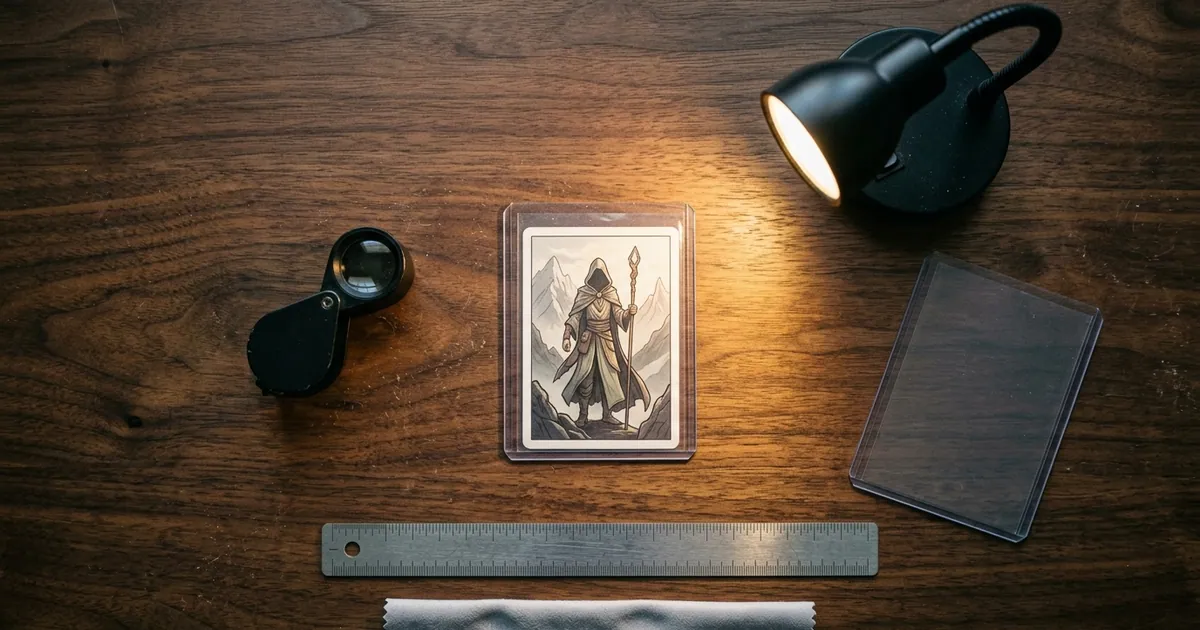
Card pre-grading means inspecting a raw card’s centering, corners, edges, and surface before you send it to a grading company, so you can estimate the grade it will likely get. A pre-grade is never an official grade. Only companies like PSA, BGS, CGC, SGC, and TAG issue those. What a pre-grade does is tell you whether a submission is worth the fee, and which cards should stay in the binder.
Key takeaways
- A pre-grade is an estimate of the grade a company will likely assign. You can do it yourself, ask an experienced collector, or use an AI tool like Card Grading AI. It is not an official grade.
- Pre-grading checks the same four areas graders do: centering, corners, edges, and surface.
- Centering is the only area you can measure objectively. PSA publishes approximate centering tolerances for each grade on its grading standards page.
- The real payoff is not paying to grade cards that won’t grade high enough to beat their raw value.
- Your grade is usually limited by your worst area, not your average. One bad corner matters more than three perfect ones.
What card pre-grading actually means
Pre-grading is a screening step, not a prediction contest. You are not trying to call the exact number a grader will give. You are trying to sort cards into three piles: submit, maybe, and don’t bother.
There are three common ways to do it:
- Self-inspection. You use a loupe, a light, and a ruler, and you compare what you see against published grading standards.
- A second set of eyes. An experienced collector, card shop, or consignment service looks over your cards. Some do it for free and some charge. Quality varies a lot.
- AI pre-grading. An app analyzes photos of the front and back and estimates condition in each category. That’s what we built Card Grading AI to do. The AI card grading overview explains the approach.
The grading company’s opinion only arrives after you’ve paid, shipped, and waited. Pre-grading moves your decision earlier, while it is still free to change your mind.
Why pre-grade before you pay for grading
Grading is not just one fee. Each submission adds up:
- Per-card fees that are tiered by declared value and turnaround speed. Every major company has changed its pricing several times in recent years, so check the current price list on the official site before you budget.
- Shipping and insurance both ways, plus supplies like semi-rigid holders and a sturdy box.
- Time. Economy tiers can take weeks or months, depending on the company and current volume.
- Resubmission cost. If you crack a slab to try for a higher grade, you pay to grade it again.
Then there’s the value cliff. On a lot of modern cards, the top grade sells for far more than the grade just below it. A card that comes back one grade lower than you hoped can be worth less than the raw card plus everything you spent to grade it. Pre-grading is how you avoid paying to learn that.
The four areas every pre-grade checks
Centering
Centering compares the border widths on opposite sides of the card, written as a ratio like 55/45. PSA’s published grading standards list approximate front and back tolerances for each grade:
| PSA grade | Front centering (approx.) | Back centering (approx.) |
|---|---|---|
| 10 Gem Mint | 55/45 to 60/40 or better | 75/25 or better |
| 9 Mint | 60/40 to 65/35 or better | 90/10 or better |
| 8 NM-MT | 65/35 to 70/30 or better | 90/10 or better |
These ranges come from PSA’s public standards. Companies revise wording over time, so confirm them on PSA’s site before you rely on them. BGS and CGC publish their own criteria. Their top tiers, such as BGS Pristine and Black Label and CGC Pristine, generally expect tighter centering than a PSA 10. Check each company’s current standards rather than assuming they match.
How to calculate it: Measure the left and right borders in millimeters. Divide the larger border by the sum of both. For example, a 2.0 mm left border and a 1.5 mm right border gives 2.0 ÷ 3.5 = 0.57, or 57/43. Then repeat for top and bottom, and for the back. Our card centering tool does this math from a photo.
Corners
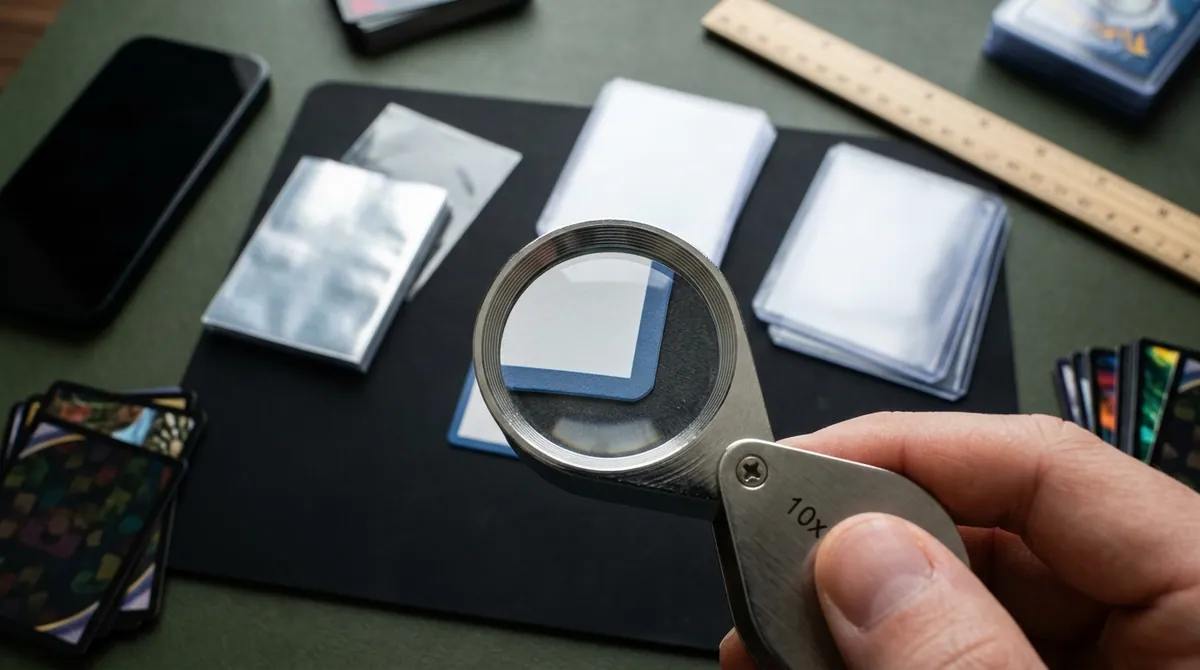
Use a 10x loupe and check all eight corners: four on the front and four on the back. Look for:
- White showing at the tip
- Slight rounding or softness
- Fraying
- Small dings
A true gem candidate shows sharp, square corners with no visible white under magnification. Back corners on colored backs, like the blue Pokémon back, give away wear first.
Edges
Run your eye along all four edges on both sides. Look for:
- Whitening or silvering, especially on dark or colored borders
- Chipping on black-bordered sports and MTG cards
- Rough factory cuts that leave a fuzzy or wavy edge
Graders generally don’t excuse a flaw because it came from the factory.
Surface
Surface is where most pre-grades go wrong, because you can’t see many flaws head-on. Hold an LED light at a low angle (raking light) and tilt the card slowly. Look for:
- Scratches, especially on holofoil
- Print lines
- Dimples and indentations
- Roller marks
- Fingerprint residue
- Hairline creases that only catch the light at one angle
A step-by-step pre-grading checklist
Do this with the card in hand and a notepad or app open.
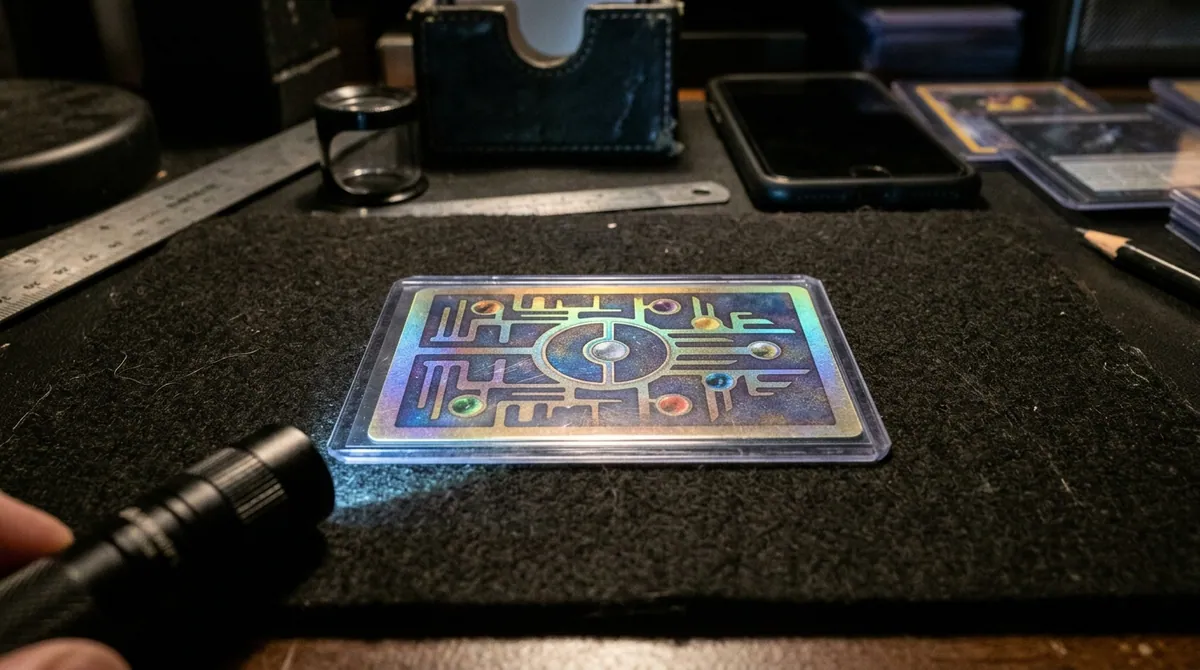
- Prep your space. Use clean, dry hands or nitrile gloves, a microfiber cloth, and a dark, lint-free surface.
- Remove the card carefully. Squeeze the top loader slightly so the card slides out without catching an edge.
- Check for creases first. Tilt both sides under raking light. A crease usually drops a card far below mint. If you find one, stop, unless the card is valuable enough that authentication or any grade at all adds value.
- Measure centering, front and back. Compare your ratios to the published tolerances above.
- Inspect all eight corners with the loupe. Note any white or softness.
- Inspect all four edges on both sides.
- Inspect the surface on the front, then the back. Rotate the card 90 degrees between passes so the light hits it from four directions.
- Log factory flaws. Note print lines, miscuts, ink spots, and focus issues. PSA documents qualifiers such as OC (off-center) and PD (print defect) for some of these.
- Write down your weakest area. PSA grades holistically. BGS averages subgrades, but the lowest subgrade heavily limits the final grade. Either way, your worst category sets the ceiling.
- Check sold prices, not asking prices. Look up recent sales for the raw card, your realistic grade, and one grade below it.
- Decide. Submit if the one-grade-lower outcome still covers your costs. Hold if the call is close. Skip if it doesn’t.
Step 11 is the one people skip. Plan around the grade you’ll probably get, not the one you’re hoping for.
Manual, professional, or AI pre-grading
| Method | Cost | Strengths | Weak spots |
|---|---|---|---|
| Self-inspection | A loupe, light, and ruler | You learn what graders see, and it’s free per card | Inconsistent between sessions, and it’s easy to go easy on your own cards |
| Experienced collector or shop | Free to paid | A trained eye that has seen many slabs come back | Opinions vary, and there’s a possible conflict if they also want to buy |
| AI app | Free to subscription | Fast, consistent centering measurement, and a saved record | Depends on photo quality, and can miss flaws the camera doesn’t catch |
My take: combine them. Let an AI tool handle the measuring and give you a consistent first pass across a stack of cards. Then put your loupe and raking light on the shortlist. Software is good at numbers you’d otherwise eyeball. Your hands and a light are good at the surface flaws that only show at one angle.
What pre-grading can’t tell you
Be honest about the limits:
- Grader variance is real. The same card can come back with different grades on different submissions. A pre-grade can’t remove that uncertainty.
- Authenticity and alterations. Trimmed edges, recolored corners, and pressed-out creases are hard to confirm from photos or a quick look. Graders check for these. A pre-grade does not.
- Hidden surface flaws. Some dimples and hairline scratches only show under specific light. A photo-based estimate can miss them.
- Damage after inspection. A card that pre-grades well can still get dinged during packing or shipping.
- Company-specific standards. A card that looks like a PSA 10 may not meet a stricter top tier at another company.
When pre-grading tells you not to grade
Skip the submission when:
- The realistic grade doesn’t clear your costs. Compare the value at your expected grade, and one grade below, against the raw value plus fees, shipping, and insurance.
- Top grades are plentiful. PSA publishes a public Population Report. If thousands of 10s already exist and they sell cheaply, a 10 may not pay off.
- The card has a crease or heavy whitening and it’s a modern card with a low raw value.
- It’s a keeper you’ll never sell, and a good top loader protects it just as well.
There are fair exceptions. Vintage cards and expensive raw purchases can be worth grading at almost any grade, because authentication itself adds value and makes resale easier. Registry set builders may also want a specific card slabbed regardless of the numbers.
How to pre-grade with Card Grading AI
Card Grading AI works on web, iOS, and Android. You photograph the front and back of a raw card, and the app analyzes centering, corners, edges, and surface to produce a pre-grade estimate. The result saves to your collection, so you can sort a whole stack into submit, maybe, and skip before you spend anything. The how it works page covers the photo process, and the features page lists everything in the app.
To be clear about what you’re getting: every result is an estimate. It is not an official grade, an appraisal, or a guarantee of what PSA, BGS, CGC, or anyone else will assign. It’s a faster, more consistent first pass. Pair it with your own loupe check on anything you plan to submit. If you have questions about accuracy or photo setup, the FAQ covers the common ones.
Pull out the stack you’ve been meaning to submit, run it through Card Grading AI, and only pay grading fees on the cards that earn it.
FAQ
Is a pre-grade the same as an official grade?
No. A pre-grade is an estimate made by you, another collector, or an AI tool before submission. Only grading companies like PSA, BGS, CGC, SGC, and TAG issue official grades. Their graders can and do disagree with pre-grades, so treat any pre-grade as a filter for deciding what to submit, not a guarantee.
Do grading companies pre-grade cards for you?
Grading companies give you their opinion when they grade the card, which means after you have paid the fee. Some card shops, consignment services, and experienced collectors offer informal pre-screening. Quality and pricing vary, so ask how they evaluate cards and whether they have a stake in buying from you.
How accurate is AI pre-grading?
AI pre-grading is most reliable for things a camera can measure, such as centering and visible corner or edge wear. It is less reliable for subtle surface flaws that only appear under certain light, and it cannot detect alterations like trimming with certainty. Good, evenly lit photos of the front and back improve results. The output is always an estimate.
Can pre-grading detect a trimmed or altered card?
Not reliably. Trimming, recoloring, and pressing are hard to confirm from photos or a quick visual check. Grading companies examine cards for alterations as part of their process. If you bought a high-value raw card from an unknown source, assume authentication is part of what you are paying the grader for.
What tools do I need to pre-grade cards at home?
A 10x jeweler's loupe, a bright LED light you can hold at a low angle, a ruler or centering tool that reads in millimeters, a microfiber cloth, and clean penny sleeves. A phone camera and an app like Card Grading AI help you measure centering consistently and keep a record of each card's condition.
Keep reading
Related guides
Ready to inspect your next card?
Scan your cards instantly with Card Grading AI
Capture a clear front-and-back photo, review an AI-assisted condition estimate, and keep standout cards organized in your collection.