Collector guide
AI Card Grading vs Manual Inspection: What Each Catches
AI card grading vs manual inspection: where each method wins, where it fails, and a hands-on checklist for combining both before you pay to grade.
By Matteo G.
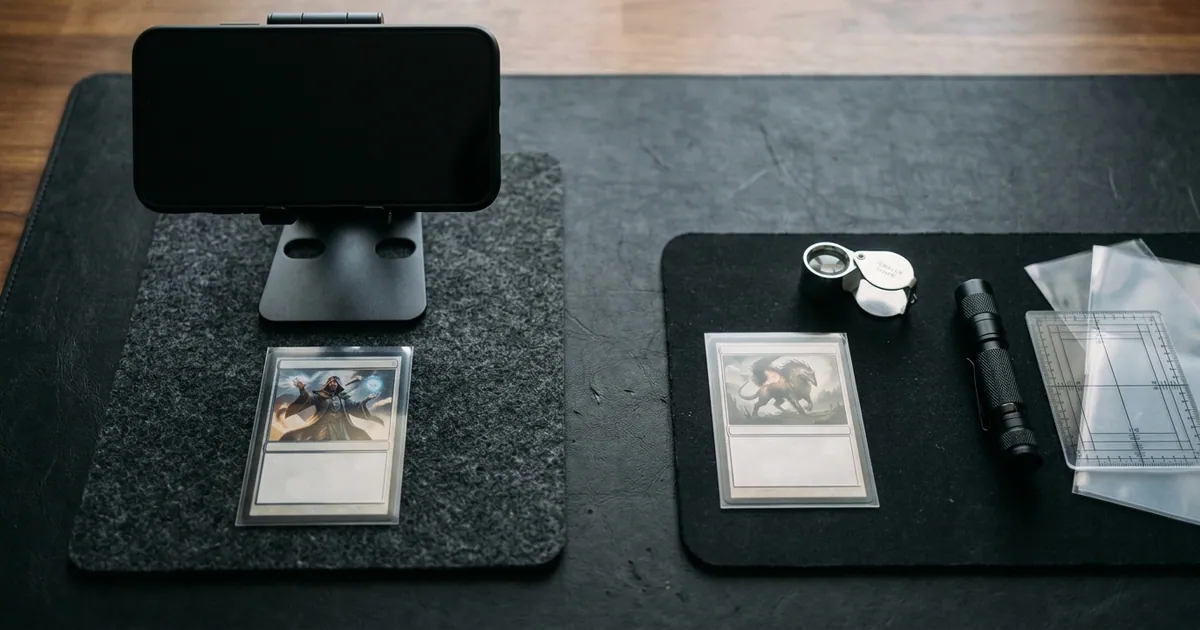
AI card grading is better at fast, repeatable measurement, especially centering. Careful manual inspection is better at catching the surface flaws, alterations, and light-dependent defects that photos miss. Neither one gives you an official grade, so the best workflow uses an AI pre-grade to sort a stack quickly and a loupe and good light to confirm the few cards you’re actually thinking about submitting.
Key takeaways
- AI wins on consistency. It measures borders the same way on card 200 as on card 1 and doesn’t round in your favor.
- Manual inspection wins on surface. Tilting a card under a low-angle light reveals dents, hairline scratches, and print defects that a single flat photo often hides.
- Both are estimates. Only a grading company like PSA, BGS, CGC, SGC, or TAG assigns an official grade. Their standards and fees change, so confirm on their official sites.
- Split the jobs. Use AI to decide which cards deserve a closer look. Use your eyes and a loupe to decide which cards deserve a grading fee.
- Do the math either way. If a card’s raw value is close to the total cost of grading, shipping, and insurance, neither method should talk you into submitting it.
What each method actually measures
Both approaches look at the same four categories professional graders use: centering, corners, edges, and surface. The difference is how they gather the evidence.
Manual inspection is you, a light source, and ideally a 10x loupe and a centering tool. You rotate the card, tilt it under the light, and judge each category yourself. Its quality depends on your tools, your lighting, your eyesight, and how honest you are about a card you hope is a 10.
AI pre-grading starts with photos of the front and back. The software finds the card’s outer edges and the printed frame, measures the border widths, looks for visible whitening, chipping, and surface marks, and returns an estimated grade range. If you want the technical walkthrough, we cover it on our how it works page. The key limitation is simple: the model only knows what’s in the pixels. A bad photo produces a bad estimate.
Where AI pre-grading beats the naked eye
Centering math. This is the clearest win. Picture a standard 2.5 x 3.5 inch card whose left and right borders add up to about 6 mm. At 55/45, those borders are roughly 3.3 mm and 2.7 mm. At 60/40, they’re roughly 3.6 mm and 2.4 mm. That’s about a third of a millimeter of difference per side between centering that can support a top grade and centering that may cap one. Very few people can see that reliably by eye. Software measuring a square-on photo can. Our card centering tool shows the left/right and top/bottom ratios for front and back.
Consistency and fatigue. By the time you’ve checked half a binder, your standards start to slip. An AI pre-grade applies the same method to every card.
Speed for triage. If you have a box of raw pulls and want to know which handful are worth a real inspection, scanning them takes seconds per card. A proper manual inspection takes several minutes.
Less wishful thinking. Collectors are famously generous with their own cards. A number on a screen that says your centering is 63/37 is harder to argue with than your own glance.
A record. Saved scans give you a dated condition snapshot. That’s useful if you’re tracking a collection or want to compare a card before and after storage.
Where manual inspection still wins
Surface under angled light. Dents, indentations, roller marks, and fine scratches often appear only when light skims the surface at a low angle. A photo captures one angle. Your hands can capture dozens in a few seconds.
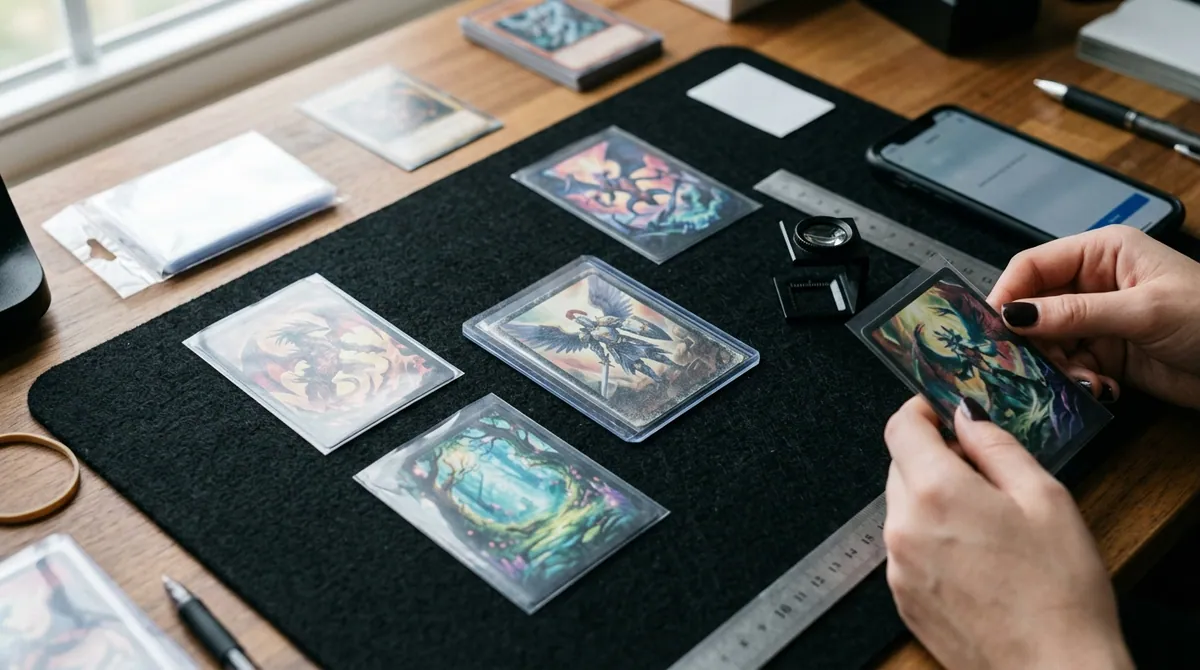
Holo and foil cards. Reflective surfaces create glare that can hide real scratches or create false ones in an image. Pre-grades on heavy foil cards deserve extra skepticism, and an extra photo from a slightly different angle.
Fine corner and edge detail. A 10x loupe shows tiny fraying, slight layering at a corner tip, and micro-nicks along foil edges that may be smaller than what a phone photo resolves clearly.
Flatness and feel. Lay a card flat on a hard surface and look across it at eye level. Warping, a soft bend, or a wax stain is easy to spot in person and easy to miss in a straight-down photo.
Alterations and authenticity. Trimming, recoloring, and pressed-out creases are attempts to fool graders. AI pre-grading tools, including ours, aren’t designed to authenticate cards. A careful collector can catch some red flags by measuring with calipers against a known-good copy from the same set or by comparing the print pattern under a loupe. Even then, authentication on valuable cards belongs with a professional grading company.
Side-by-side comparison
| Factor | AI pre-grading | Manual inspection |
|---|---|---|
| Centering | Precise and repeatable from a square-on photo | Good with a centering tool; unreliable by eye near 55/45 vs 60/40 |
| Corners | Flags visible whitening and rounding | Better at 10x for tiny fraying and layering |
| Edges | Catches obvious chipping and whitening | Better for fine nicks, especially on foil edges |
| Surface | Limited to what the photo shows; glare can hide or fake flaws | Strong with raking light and tilting |
| Speed | Seconds per card | Several minutes per card if done properly |
| Consistency | Same method every time | Varies with lighting, fatigue, and optimism |
| Alterations | Not designed for this | Some red flags detectable; still not definitive |
| Tools needed | Phone and decent lighting | Loupe, LED light, centering tool, calipers for high-value cards |
| Output | Estimated grade range, not official | Your judgment, not official |
The table points to a clear conclusion: these methods aren’t really competitors. Each one covers the other’s blind spots.
A hybrid checklist you can run with a card in hand
Gather a dark mat or cloth, a microfiber cloth, a 10x loupe, an LED flashlight, and your phone. Then work through these steps.
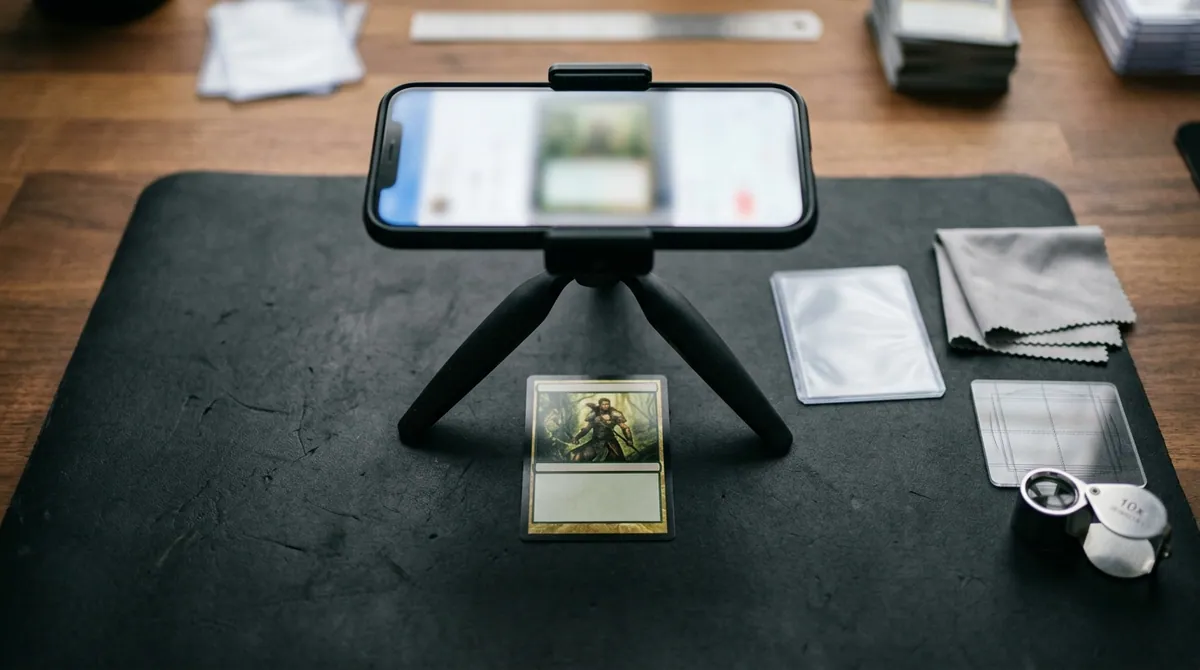
- Prep. Wash and dry your hands. Remove the card from its top loader by sliding it out in its penny sleeve, then ease it out of the sleeve.
- Shoot it clean. Photograph the front and back out of the sleeve. Keep the phone parallel to the card, use soft diffuse light, and keep glare off the surface. Fill the frame but keep all four edges visible.
- Run the pre-grade. Note the centering ratios for front and back and any areas the AI flagged.
- Triage on centering first. If the front centering is clearly outside the tolerance for the grade you need, stop here. No amount of perfect corners fixes centering.
- Raking light pass. Hold the flashlight at a low angle, roughly 15 to 30 degrees off the surface. Rotate the card a full turn in 90-degree steps, front and back. Look for dents, scratches, print lines, and roller marks.
- Loupe the corners. Check all eight corners (four front, four back) at 10x. Look for white points, rounding, or layers separating.
- Check the edges. Run your eye along all four edges on both sides under the light. Dark borders show whitening fast. Foil edges show chipping.
- Check flatness. Lay the card on a hard surface and look across it at eye level for warp or bends.
- Reconcile. Where the AI and your eyes agree, trust the result. Where they disagree, re-shoot the photo, since glare is the usual culprit, or look again under better light.
- Run the numbers (see the section on when not to submit below) before you fill out any submission form.
One caution: every inspection is handling, and handling causes wear. Do steps 5 through 8 once, carefully, rather than re-checking the same card every week.
Grading-company standards worth checking against
The most useful published benchmark is centering, because it’s measurable.
- PSA publishes centering guidance in its grading standards. For a Gem Mint 10, the front should be approximately 55/45 to 60/40 or better and the back approximately 75/25 or better. For a Mint 9, the front is approximately 60/40 to 65/35 and the back approximately 90/10. PSA’s Gem Mint description also allows for a slight printing imperfection if it doesn’t hurt the card’s overall appeal.
- BGS grades centering, corners, edges, and surface as separate subgrades. The overall grade isn’t a simple average, so one weak subgrade can drag it down. Its top Pristine tier expects essentially perfect centering. Check Beckett’s site for the current tolerances at each level.
- CGC, SGC, and TAG each publish their own scales and processes, and they don’t map one-to-one onto PSA. TAG markets a technology-assisted approach with a detailed scoring report.
Standards, tiers, and wording get updated. Before you submit, read the current grading standards on the company’s official site, and treat any number here, including ours, as a reference point.
When neither method says submit
A great pre-grade and a clean loupe inspection still don’t make grading worth it automatically. Skip or wait when:
- The math doesn’t work. Compare the raw price with a realistic graded price, which is often a 9, not a 10. Then subtract grading fees, shipping both ways, insurance, and any marketplace fees. Fees vary by declared value and turnaround, so check current schedules.
- Only a 10 matters and you see a 9. For many modern cards, a 9 sells for about what the raw card does. If your inspection finds a soft corner, grading is likely a donation to the grader.
- There’s a crease or a clear dent. These are hard caps on the grade. Unless the card is rare enough that any authenticated grade adds value, keep it raw.
- You’re relying on one scan. Don’t pay for a high declared-value tier based on a single photo with possible glare. Re-shoot, then inspect by hand.
- You’d never sell it. If a card is a keeper and a top loader protects it fine, grading is optional unless you want authentication or a sealed holder.
Where Card Grading AI fits
Card Grading AI is built for the triage step. You scan a card on web, iOS, or Android and get measured centering, flagged condition issues, and an estimated grade range. The card then goes into your collection so you can track it over time. Our features page covers the full toolset, including centering measurement and collection tracking.
To be clear about what it is: a pre-grade is an estimate. It isn’t an official grade, an appraisal, or a guarantee of what PSA, BGS, CGC, TAG, or anyone else will assign. Use it to find the cards worth your loupe time, then let manual inspection and the math decide what gets submitted.
If you have a stack of raw cards and no idea where to start, scan them with Card Grading AI tonight and set aside the ones that clear your centering threshold. Those are the cards that deserve a flashlight, a loupe, and ten careful minutes.
FAQ
Is AI card grading more accurate than inspecting a card by eye?
For centering, yes. A well-shot photo lets software measure border ratios more consistently than most people can by eye. For surface flaws like dents, hairline scratches, and roller marks, a careful human with a raking light and a loupe usually catches more, because those flaws only show at certain angles. AI results are estimates either way, not official grades.
Can an AI grading app detect trimmed or altered cards?
Don't count on it. Pre-grading tools measure condition from photos. They aren't built to authenticate cards or detect trimming, recoloring, or pressed creases. For expensive cards, measure them with calipers against a known-good copy from the same set, compare the print pattern under a loupe, and rely on a professional grading company for authentication.
Do I still need a loupe and light if I use an AI pre-grade?
If you're deciding whether to pay for grading, yes. Use the AI pre-grade to sort a stack quickly. Then put the cards you're seriously considering under a 10x loupe and a low-angle light to check corners, edges, and surface before you submit.
Will my AI pre-grade match the grade PSA, BGS, or CGC gives me?
Not necessarily. Grading companies inspect the physical card under controlled conditions, and each one applies its own standards and judgment. A pre-grade tells you roughly where a card stands and what to look at more closely. It is not a guarantee or a prediction of any official grade.
Keep reading
Related guides
Ready to inspect your next card?
Scan your cards instantly with Card Grading AI
Capture a clear front-and-back photo, review an AI-assisted condition estimate, and keep standout cards organized in your collection.